All In On AI
Context-switching between AI-assisted and manual coding creates a hidden productivity tax. Learn why you need to pick one approach per session—and how to structure your workflow for maximum efficiency in the age of AI coding assistants.
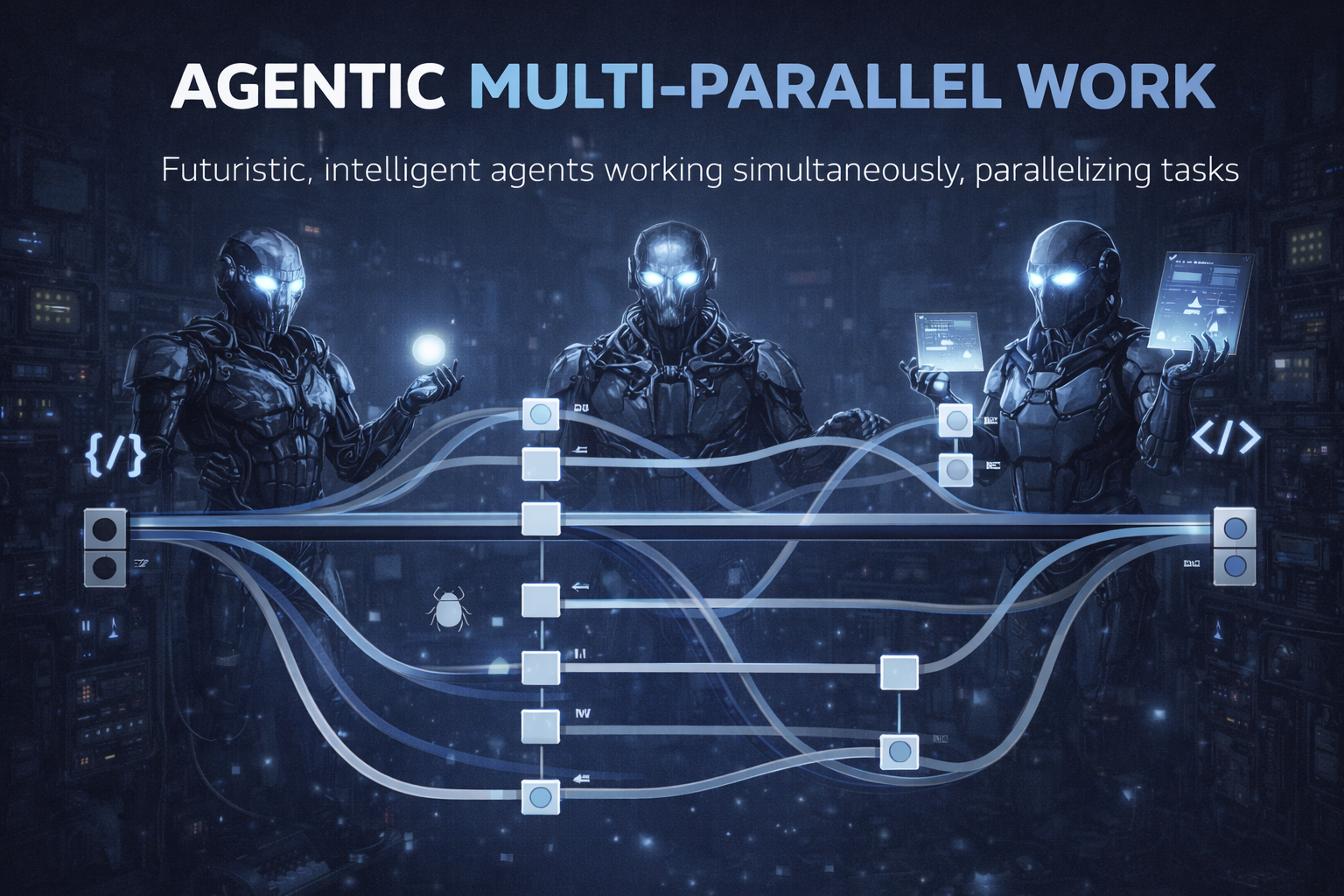
When we hear about breakthroughs in LLMs, it’s been all about context recently. But when we talk about context, we’re talking about what the AI can keep in its head. We’re not talking about the developer.
Pffftt, who cares about the developer’s context?
That’s a good question. Here’s the thing, context-switching sucks and it’s been the plague behind development my entire career. There’s a funny comic about it but it’s unfortunately true. Context-switching productivity loss could result in hours of wasted time (time between meetings, constant interruptions in Slack, etc.) and buggier software. It’s like losing your train of a really long thought.
So what does that look like in the age of code gen?
I’ve found that switching between multiple agents has some detriment to it but not entirely because of the flow of working with Claude code, OpenCode, Gemini, and other tools:
- write a prompt/request
- wait for AI to do its job
- approve/reject changes (or, if in YOLO mode, review changes)
- wait for AI to do its job
- prompt further
- wait
- close out the session and move on
Because of the waiting periods, I already lose that “flow” and immediate context I’d normally have while coding. However, the fact that I can run multiple agents means that my workflow isn’t that linear:
o - - - Prompt Agent 1
|
|
o - - - Prompt Agent 2
|
| - - - - - - Respond to Agent 1
|
o - - - Prompt Agent 3
|
| - - - - - - Respond to Agent 2
|
| - - - - - - Respond to Agent 1
|
o Prompt Agent 1 with new task
|
| - - - - - - Respond to Agent 3
|
| - - - - - - Respond to Agent 2
|
| - - - - - - - - - - Check on a long-running Agent 0
|
...
|
| - Save session and close laptop
This means that I can get in a “flow” of directing and orchestrating agents. That’s how software engineering looks today. I can get into a flow of explaining the problems, responding to the AI, approve code changes, and so on. The tooling for this kind of orchestration is also getting much smarter and better, encouraging this type of flow.
This parallel workflow feels productive—until you try to mix it with traditional coding. That’s where everything falls apart.
If you’re not all-in on AI, it won’t work
Just a year ago, I would have laughed in the face of someone telling me that you gotta pick either or. That there’s a tax to trying to develop at the same time as running an agent.
That tax IS context-switching. I’ve found that if I decide on an AI-free coding session (and I say “session” as in one bug, feature, part of a feature, etc.), things go as swiftly and as well as they used to pre-AI. I’d get into a flow, I’d write the code, and I’d be done. And I love writing code so this feels great.
Then, during AI-only sessions, I’ve found that I can get into a flow with agents. I’m pair-working with them by looking up requirements, writing prompts, getting data, asking other agents for more info, and generally “managing” this little “team” of agents. That also works well and you can get into a nice flow with it. Even with issues – an issue is just another prompt/agent trying to figure things out.
What happens when you mix the two? The worst-case scenario. If you’re coding, your agents are either idling or they’re interrupting you constantly from your coding flow. Early on, I tried this approach but it failed miserably on several fronts:
- I’d lose context on what and why the agents were doing work
- I’d lose context of the code when coding
- An agent could rewrite a bunch of code and now my coding context is stale
- An agent could delete an important part of the code because I wrote it but never told the agent of its importance
So, just use AI?
I’m not saying that. I think it’s just important to acknowledge that doing both in parallel doesn’t work. Your best option is to chunk your work into segments or sessions and then decide how you want to do each session.
And it doesn’t have to be equal, it’s about what works for you. Maybe this will be your schedule:
- AI-only session
- AI-only session
- AI-only session
- Coding-only session to fix a stubborn bug
Or maybe it will be the other way. Either way, I highly recommend sticking to one or the other, and not co-mingling coding and agentic coding.